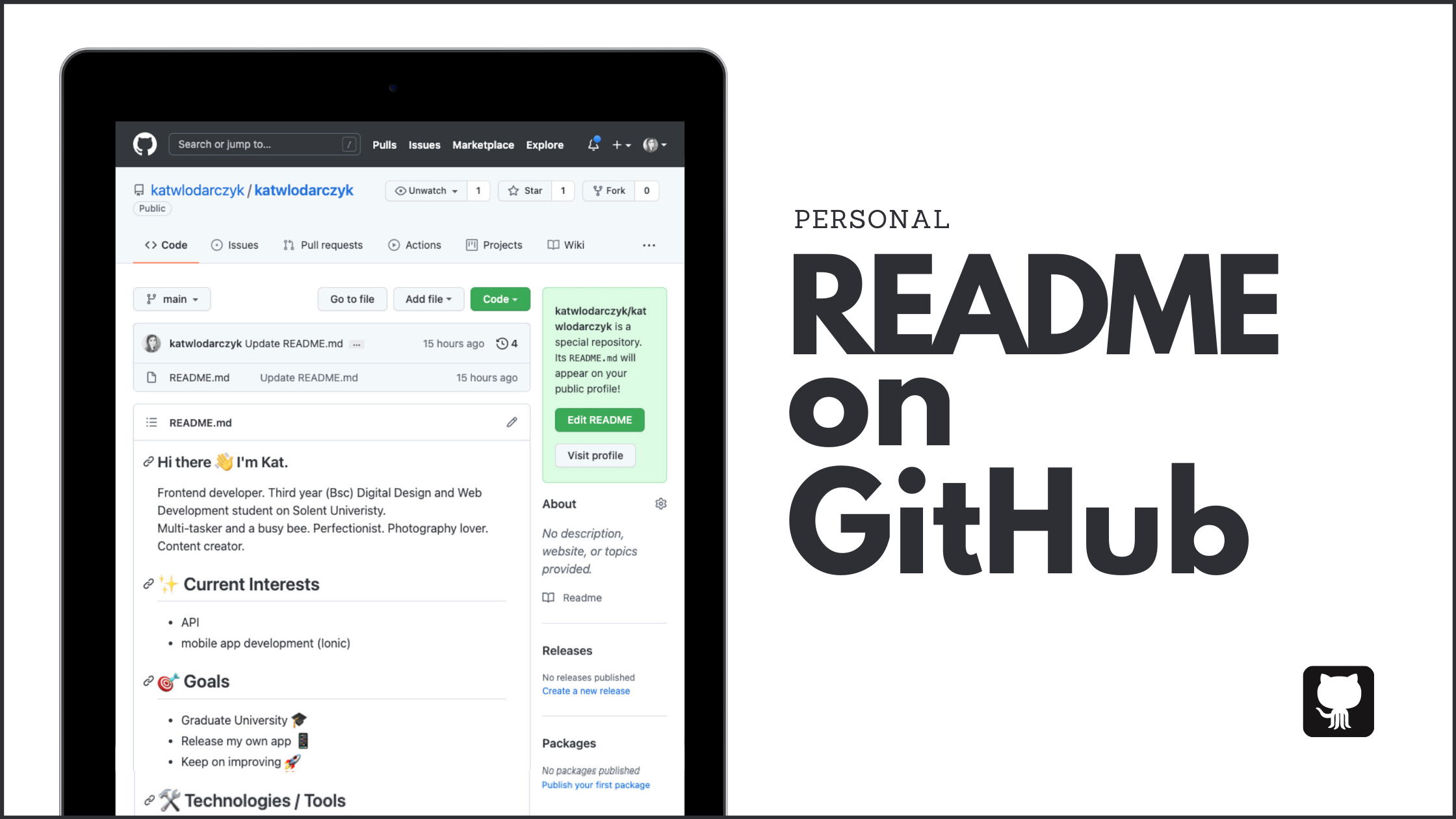
Personal README on GitHub
Learn how to create a standout personal README on GitHub to showcase your skills, projects, and personality. Step-by-step guide with tips for badges and customization.
What Makes a Great Personal README?
Some time ago GitHub added a feature to create our own personal README, to showcase who we are, our skills, passions and goals. A bit like a bio field, but less boring and with much more potential!
Understanding README Files
A README is a form of documentation, and usually the first one read by a user of a project or an application. It contains useful information and instructions. Every project should have a well written README — and so should we!
There are endless possibilities for how you can make your README truly yours, but if you need some ideas to get your creative juices flowing, look at https://awesomegithubprofile.tech/ for instant inspiration.
How to Create Your Personal README
OK, so you are ready to create your own statement. Where do you start? On GitHub, of course.
Step-by-Step Setup
- Log in to your account and click on the link to add a new repository.
- Name your repository the same as your username. (e.g. my username on GitHub is
katwlodarczyk, so I named the repokatwlodarczyk) - Make sure the repository is public and initialize it with a README file.
- Create the repository.
Customizing Your Content
Now it’s time to get creative!
Add your awesome statement following Markdown rules (Markdown cheat sheet here). The only limit is your imagination. Add a few words about yourself, what you do, what you’d like to learn, links to your amazing projects, blog posts, contributions… Whatever you are proud of, show it!
Emojis, images and other decorative items are good to lighten up the document, but if it’s not your thing, don’t add it only because others did. Remember, this file should tell something about you.
Advanced Tips: Adding Badges
Here is something I had trouble with, so I thought I’d save you some time browsing.
If you have spent some time on GitHub, you know them — badges, little tiles used for various purposes of informing the user about a project’s build, platform & version support, size, dependencies, etc.
Those badges are created with https://shields.io/, however for someone who has never created one themselves, the site is not very helpful or informative. I was able to create some basic badges, but not the ones I wanted to make (like ones with a logo). I’m not giving up that easily though — I managed to discover this awesome post by Tassia Accioly which explains everything nicely.
My README.md
Here is the first draft of my README. Do you have your own, or are you planning to create one? I’d love to know what you think!